
How to Download and Install the Casino Days App on Mobile and PC
Players in India can access real-money casino entertainment through the Casino Days app, which is available on both mobile and desktop devices. The app offers slots, table games, and live dealer rooms. Users can install the app on Android smartphones and iOS devices, or play directly through the browser version (including a desktop web app shortcut) on personal computers. The site processes all transactions in INR and offers a welcome bonus package for newly registered players.
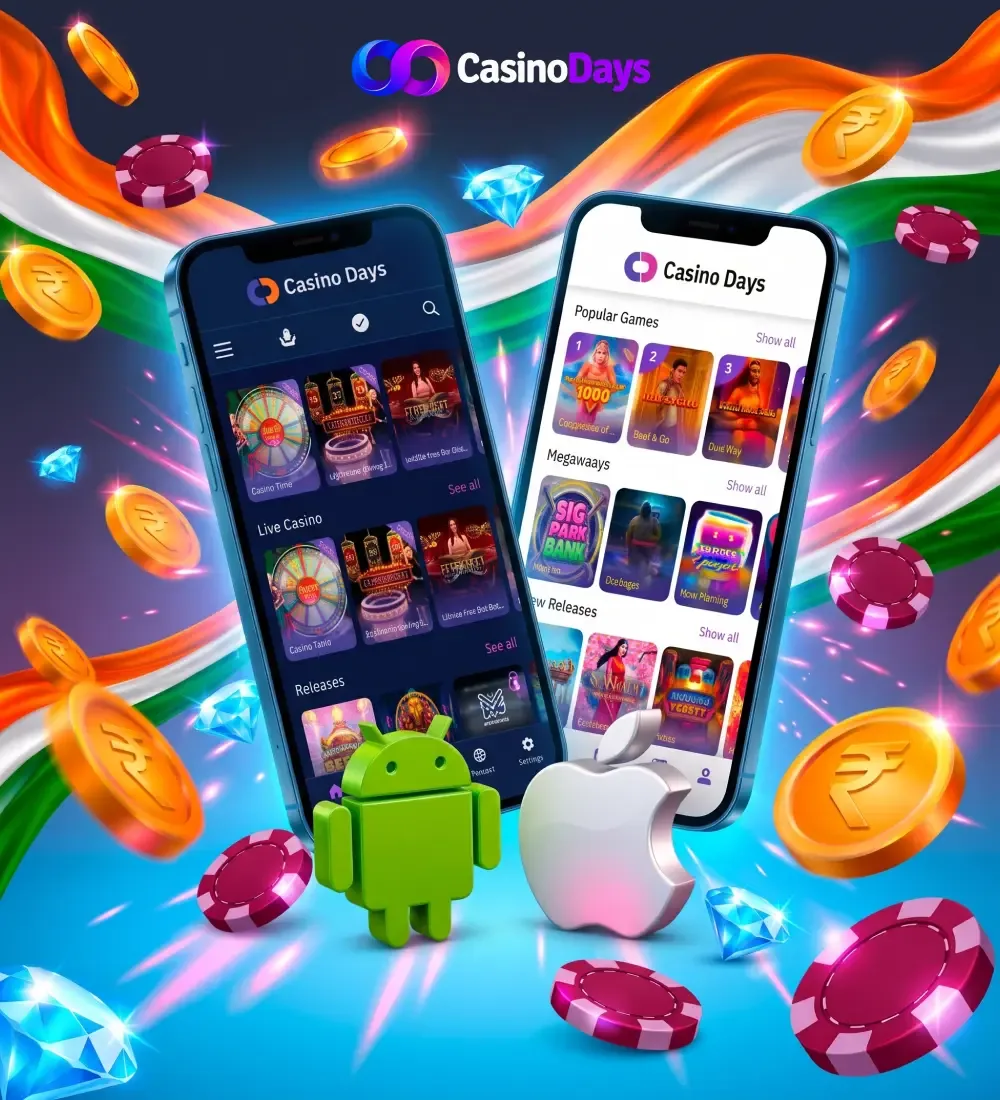
Casino Days App Key Specifications and Features
Casino Days operates in India on both smartphones and desktops. The site offers over 3,000 casino titles. Deposits and withdrawals use INR, so all payouts are made in rupees.
| Category | Details |
|---|---|
| Games | 3,000+ games (Slots, Table, Live Dealer) |
| Access | Android 5.0+ (45MB), iOS 11.0+ via Safari, Desktop via Chrome/Firefox/Edge |
| Bonuses | Welcome offer up to ₹80,000 + 200 Free Spins |
| Payments | 15 methods / Min. deposit ₹500 |
| Withdrawals | 24–72 hours / Up to ₹1,00,000 per transaction |
| License | Curacao 8048/JAZ2020-013 |
| Support | Customer support in Hindi & English |
How to Complete the Casino Days APK Setup on Android
Setting up mobile gameplay on an Android smartphone or tablet takes a few minutes. Follow these steps to download and install the Casino Days APK on your Android smartphone or tablet.
-
Open your mobile web browser and go to the Casino Days website.
-
Go to the mobile section of the website. Find the button labeled Android installation.
-
Tap the button to download and save the Casino Days apk file to your device.
-
Open the handset's security settings. Enable the option to allow installations from unknown or trusted sources. Do this before installing the file.
-
Open your device's Downloads folder and find the installation package.
-
Tap the APK file. The setup wizard will start.
-
Confirm remaining prompts, then complete the installation.
-
Tap the icon in your app drawer or on your home screen.
Android Technical Specifications
Most Android phones can run the Casino Days apk if the device has the hardware. The following table lists the minimum and recommended specifications.
| Requirement | Minimum | Recommended |
|---|---|---|
| OS Version | Android 5.0 | Android 8.0 or higher |
| RAM | 1 GB | 2 GB or more |
| Storage | 100 MB | 200 MB |
| Internet | 3G connection | 4G or Wi-Fi |
Compatible Android Smartphones and Tablets
In 2026, people in India use the Casino Days apk on many smartphones and tablets. Check the compatibility list first to make sure your device works with the app before you install it.
- Samsung Galaxy A-series and S-series smartphones;
- OnePlus Nord models and flagship devices;
- Xiaomi Redmi Note series and Mi series phones;
- Realme mid-range and premium smartphones;
- Oppo Reno series and Find X models;
- Vivo V-series and X-series devices;
- Google Pixel phones;
- Motorola Edge series smartphones.
Official Casino Days Download for iPhone and iPad
Apple users in India can download the Casino Days app from the App Store. Setting up the app usually takes three to five minutes. The process requires an internet connection.
-
Open the App Store on your iPhone or iPad.
-
Type "Casino Days" into the search field.
-
Open the listing and check if Ryedale Limited is the publisher.
-
Press "Get" to begin installing. Your device will handle the installation.
-
Allow the download to complete. Once finished, locate the icon on your home screen.
-
Open the app, select login, and enter your account details to continue.
-
Sign in to your profile. Start playing casino titles.
Apple iOS Hardware and Software Standards
Users must meet baseline technical thresholds to run the Casino Days app. The system requirements are listed in a table.
| Requirement | Specification |
|---|---|
| Minimum iOS Version | iOS 12.0 or later |
| Supported Devices | iPhone, iPad, iPod Touch |
| Required Storage Space | 150 MB free storage |
| Internet Connection | Stable 3G or Wi-Fi connection |
Supported iPhone and iPad Models
The Casino Days app runs on multiple versions of Apple phones and tablets. Users see how well it works when their device matches the system requirements.
- All models from iPhone 8 onwards run the software with full functionality;
- SE models (2nd and 3rd generation) run the app without issues;
- iPad Air (3rd generation onwards) runs the app with full compatibility;
- iPad Pro (all models from 2017) operates the software smoothly;
- iPad Mini (5th generation and newer) supports every feature.
Casino Days Download for Windows Desktop Computers
Windows PC users can install the desktop version directly. The setup process usually takes a few minutes. To finish installing the Casino Days app, follow these steps.
-
Launch your web browser, then navigate to the Casino Days website.
-
Go to the software section, and then choose the Windows installer option.
-
Click the button. The site saves the setup executable to your hard drive.
-
Open your computer's Downloads folder. Double-click the file to start the installer.
-
Use a Windows PC to follow the on-screen instructions. Complete the setup when prompted.
-
Use the desktop shortcut to open the program if you see one. You can also find the program in the Start menu.
-
Sign in with your account details. Then open your games and start playing.
Windows PC Technical Specifications
You can use the Casino Days app on a desktop or laptop if your computer meets the specifications. The following table shows what your PC needs.
| Component | Minimum Requirement |
|---|---|
| Operating System | Windows 10 or later |
| RAM | 4 GB |
| Processor | Intel Core i3 or equivalent |
| Storage Space | 200 MB free |
| Browser | Chrome 90+ or Edge 90+ |
| Internet | Stable 5 Mbps connection |
Account Registration Steps in the Casino Days App
You can open a player profile in about three minutes. The steps are the same on a smartphone or a desktop computer. After you finish registration, you can access your account with the Casino Days app or the browser version.
- Open the software. Then choose your smartphone or PC.
- Tap the Sign Up button in the upper-right corner to sign up.
- Type your full legal name. The name must match your official ID documents.
- Type in your mobile phone number.
- Pick INR from the account currency dropdown list.
- Set a secure password that contains at least eight characters.
- Enter your date of birth to confirm you are at least 18. All users must complete this step.
- Open your inbox, find the link sent by email, and click the verification link.
- A code is sent to your mobile; submit the SMS verification code.
- To finish signing up, accept the Terms and Conditions and complete your registration.
A single set of login details grants users access to both the mobile site version and the desktop site version.
Casino Days App Bonuses and Promotional Rewards
Players can sign in through the Casino Days app or the desktop site to access various promotional rewards. The available categories are:
- Welcome Bonus – New players receive up to ₹50,000 plus 120 free spins after registration and first deposit;
- Reload Bonuses – Weekly deposit matches range from 25% to 50% on select days for existing users;
- Cashback Offers – Players get 10% to 15% cashback on weekly losses, credited automatically to accounts;
- Tournaments – Daily and weekly slot tournaments with prize pools reaching ₹5,00,000, accessible via the promotions tab;
- Loyalty Programme – VIP members earn points for every ₹100 bet, which convert to bonus funds and exclusive rewards;
- Birthday Bonus – Special offers appear on registered birthdays;
- Refer-a-Friend – Earn ₹2,000 for each successful referral who deposits minimum ₹500.
Players tap once to claim promotions. The site stores these offers in a dedicated section.
Core Advantages of the Casino Days App
The Casino Days app offers mobile gaming tools designed for the local context. Indian users find that the app delivers consistent speed and responds quickly during use.
- Fast Loading Speed – Games load in under 3 seconds on 4G networks, which saves time and reduces mobile data usage;
- Game Library of 5000+ Titles – Players can browse more than 5000 slots, table games, and live dealer options from 80 providers;
- INR Support – The software processes deposits and payouts in Indian Rupees, which removes currency conversion charges;
- 15 Payment Methods – Supported banking options cover UPI, Paytm, PhonePe, net banking, and e-wallets for instant transfers;
- Hindi and English Languages – Complete interface localization in both Hindi and English simplifies navigation;
- Push Notifications – Instant mobile alerts keep players informed about fresh bonuses, free spins, and tournament schedules;
- Cross-Device Synchronisation – Account details, wallet balances, and game progress update automatically across Android, iOS, and desktop devices.
Game Catalog Inside the Casino Days App
The Casino Days app offers over 3,000 titles from 65 studios including NetEnt, Microgaming, Pragmatic Play, and Evolution Gaming. The lobby meets gaming standards and adapts to Indian preferences. Players can access multiple genres and set stake limits. Approximately 15 new games are added each month, so the casino's catalog expands regularly.
Video and Classic Online Slots
Slot machines are the largest gaming category in the Casino Days app, offering access to over 3,000 slot machine releases. Themes include Ancient Egypt, mythology, fruits, wildlife, adventure quests, Bollywood aesthetics, and Indian festivals. The app features both traditional 3-reel classics and modern 5-reel video slots.
- Free spins;
- Multipliers;
- Bonus rounds;
- Progressive jackpots;
- Cascading reels;
- Expanding wilds;
- Pick-and-click features.
Real-Time Live Dealer Tables
The Live Casino lobby features over 120 real-time tables hosted by professional dealers. Players can join live blackjack, roulette, baccarat, poker, game shows, and Indian favorites like Teen Patti and Andar Bahar via HD mobile streaming..
- Real-time dealer interaction;
- Live chat functionality;
- Multiple camera angles;
- Mobile-optimized streaming.
RNG Card and Table Classics
The Table Games section in the Casino Days app features over 80 RNG-based classics. It includes multiple blackjack variants, both European and American roulette, baccarat, and various forms of casino poker. Bet limits start at ₹10 and go up to ₹50,000 per round, making these games available to players with different budgets.
- Various rule variations;
- Side bet options;
- Fast-loading interfaces;
- Smooth mobile compatibility.
Indian-Themed and Cultural Slot Releases
The Casino Days app features culturally adapted titles celebrating Indian festivals.These titles incorporate Indian mythology, festivals, and Bollywood themes alongside modern mechanics like cascading reels, multipliers, and free spins—all fully optimized for portrait mobile play.
- Bonus rounds;
- Multipliers;
- Free spin mechanics;
- High-quality graphics on mobile and desktop.
Each game category has consistent visuals, speed, and usability across Android, iOS, and desktop devices.
Casino Days App Banking: Deposit and Payout Options
Indian players use the Casino Days app to deposit funds and withdraw winnings in INR. They complete transactions using banking methods, and payments process without delays.
| Method | Type | Processing Time | Notes |
|---|---|---|---|
| UPI | Instant Transfer | 1-5 minutes | Available 24/7 |
| NetBanking | Bank Transfer | 5-30 minutes | Supports all major Indian banks |
| Visa | Credit/Debit Card | Instant | INR 500 minimum deposit |
| Mastercard | Credit/Debit Card | Instant | INR 500 minimum deposit |
| Paytm | E-wallet | 1-10 minutes | Fast withdrawals in 24 hours |
| PhonePe | E-wallet | 1-10 minutes | No extra fees charged |
| Google Pay | E-wallet | 1-10 minutes | Instant deposits only |
| AstroPay | Prepaid Card | Instant | Good for privacy-focused users |
| MuchBetter | E-wallet | 5-15 minutes | Available for both deposits and withdrawals |
Adding Funds via the Casino Days App
Follow these steps to add money to your wallet. When you finish, you can start playing.
-
Launch the Casino Days app. Provide your account details, then sign in.
-
Open the menu first. Then select the cashier section.
-
Select the deposit tab, which is located among the banking options.
-
Pick one payment method: UPI, Paytm, PhonePe, or bank card. Check your screen to see which option you get.
-
Enter the INR sum you want to add.
-
Check payment details and make sure you meet the ₹500 minimum deposit requirement.
-
Watch the screen and follow each step. Approve the transfer when prompted.
-
Check the confirmation alert in the app and verify the deposit.
The wallet displays your funds within seconds, though some banks can take a few minutes.
Cashing Out Winnings in the Casino Days App
Follow five steps to request your payout. Track the status of your transaction until the funds are received.
-
Launch the Casino Days app, then sign in to your profile.
-
Select the menu. Navigate to the withdrawal section.
-
Select a payout method from the available options.
-
Type the INR amount you want to withdraw.
-
Check your payout details. After you confirm everything, submit your request for the system to process.
The time needed for payout processing changes with each banking method. Some payouts finish in 24 hours, while others take up to five days. You can track the status for updates during the transfer.
FAQ
Which devices support the Indian version of the software?
The Casino Days app is compatible with Android phones, iOS devices, and desktop computers. Devices released after 2018 support the app. Phones and tablets from 2017 or earlier do not meet the required specifications.
How to upgrade the software to its newest release?
If you receive an update prompt, install updates through Google Play or the Apple App Store. Then, open your settings and navigate to the About section to check the installed build number.
Does a single profile work across both Android and desktop?
Each user maintains a single account. This login can be used on both Android phones and desktop browsers. Wallet balances and game progress remain consistent no matter which device is used.
Can new Indian members claim a welcome reward on iOS?
New users in India receive the same welcome package as on the main site. The site can change the terms at any time, so users should check the details before registering.
How to fix startup errors or crashes in the software?
Begin by rebooting your device. Next, confirm that you are using the latest build. If problems persist, check your internet connection and confirm it remains stable. Download Casino Days again, then reinstall the software. If you still need assistance, contact customer support.